Features of 2D and 3D cutting of wood and composite materials: from sheet to volume
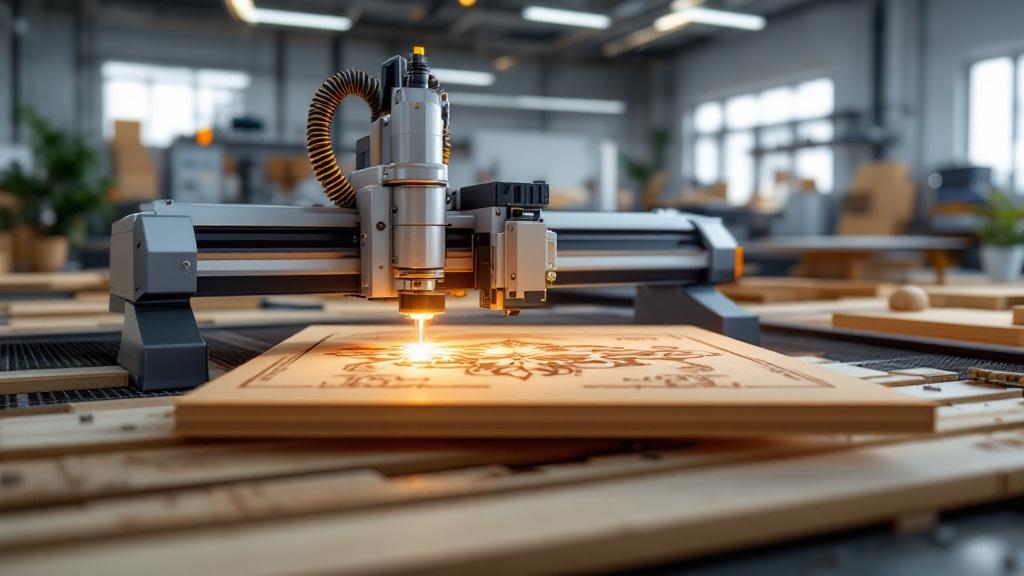
Every product made of wood or its derivatives begins with giving the material a shape. Whether it is a simple rectangular front for a kitchen cabinet or a carved leg for a baroque armchair, the cutting process lies at its core. Today, hand tools have largely given way to computer numerical control (CNC) machines, which deliver precision and repeatability that were previously unattainable. Yet even in the world of automation there are fundamentally different approaches to machining. The two key methods are 2D cutting, or nesting, and 3D milling.
At first glance the difference seems obvious: one method works with a plane, the other with volume. But behind this simple distinction lies a whole world of technological nuances, preparation requirements, tool selection and, of course, the final capabilities. Understanding these differences helps the customer formulate the task correctly and the manufacturer choose the optimal technology to bring it to life. In this article we will take a detailed look at what each of these methods involves, where their strengths and weaknesses lie and how to choose the right approach for making your product.
What 2D cutting is and where it is indispensable
2D cutting, more often called sheet cutting or nesting, is the process of cutting flat parts out of sheet material. Imagine placing a sheet of paper on a table and cutting a shape along a drawn outline with scissors. A CNC machine does the same thing, but with the highest precision and at a speed no human can match. The machine’s working tool, most often a router bit, moves in two main directions: along the X axis (left-right) and the Y axis (forward-back). The third axis, Z (up-down), is used only to lower the cutter to working depth at the start of the cut and raise it at the end. During the cutting process itself, the Z axis does not change its position.
The main purpose of 2D cutting is to obtain parts with a defined external and internal contour. It is the foundation for producing cabinet furniture, where all elements (sides, shelves, doors, worktops) are flat. The technology is ideal for working with sheet materials: plywood, MDF, MFC, particleboard, various types of plastics and composites. The precision of modern equipment makes it possible to produce parts with a tolerance down to hundredths of a millimetre, which guarantees a perfect fit during assembly.
A key aspect of 2D cutting is nesting optimisation. Dedicated software analyses all the parts in an order and arranges them on a virtual sheet of material as densely as possible, like a game of Tetris. This approach minimises waste, which directly reduces the cost of the finished product. For the customer it means more efficient use of the purchased material and a lower final bill for the service.
The applications of 2D cutting are extremely broad. It is not only furniture production. It includes making advertising signs, stencils, elements of decorative partitions, templates for other manufacturing processes, parts for exhibition stands and retail equipment. Any task that requires a precise flat part from a sheet is solved using 2D cutting. It is a fast, efficient and relatively inexpensive machining method.
The 2D cutting process step by step
The path from idea to a finished flat part begins with a digital drawing. For a CNC machine there are no freehand sketches or verbal descriptions. It needs a precise instruction in the form of a vector file. The most commonly used formats are DXF or DWG, created in computer-aided design (CAD) systems such as AutoCAD, CorelDRAW or SolidWorks. In this file every line, arc or circle is described mathematically, which allows the machine to move along a strictly defined path.
Once the file is ready, it is loaded into a CAM program (Computer-Aided Manufacturing). Here the process engineer sets the key machining parameters. He specifies the type and thickness of the material, selects a specific cutter from the catalogue and assigns the cutting speed and spindle rotation speed. The cutting strategy is also defined: whether the cutter will follow the contour exactly, on the outside of it or on the inside. This choice is critically important for keeping the part to its specified dimensions. For example, when cutting a part out, the cutter must run on the outside of the line so that its diameter does not “eat into” part of the useful material.
After all the parameters are set, the CAM program generates the control code (G-code). This is a text file with a sequence of commands the machine understands: “move to point with coordinates X, Y”, “lower the cutter to depth Z”, “switch on the spindle at 18,000 revolutions per minute”, and so on. This code is the complete instruction for the machine. The operator only has to securely fix the sheet of material on the machine’s table and start running the program.
The cutting process on the machine looks mesmerising, yet it is a routine operation. The cutter passes at high speed along the defined paths, leaving finished parts behind it. Depending on the material and its thickness, cutting can be done in a single pass or in several, with the cutter gradually plunging deeper into the material. Modern machines are equipped with dust extraction (aspiration) systems that immediately remove chips from the cutting zone, keeping things clean and giving the operator a better view.
Tooling for 2D cutting: the key to a quality cut
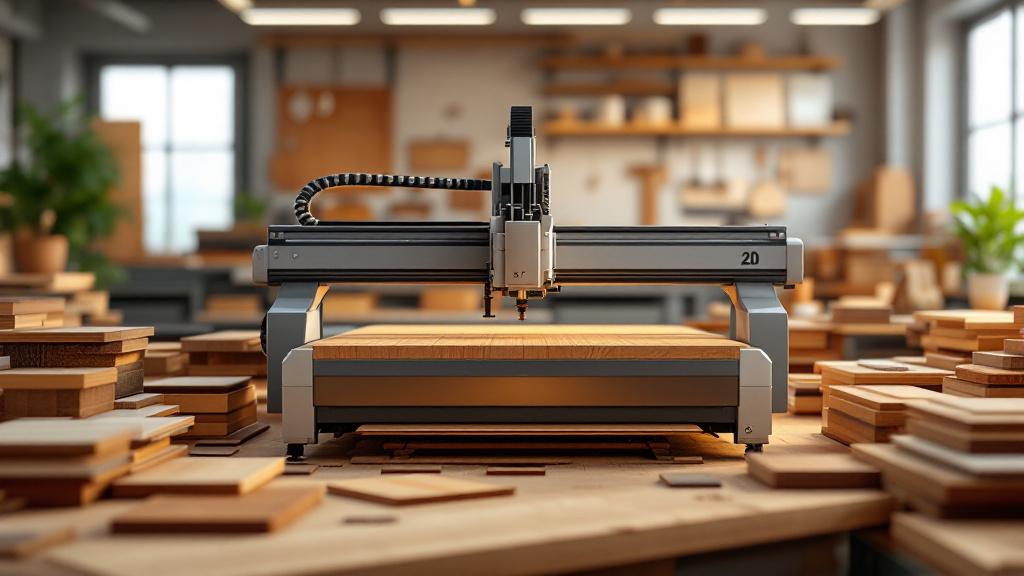
The quality and cleanliness of the cut in 2D nesting depend directly on the correct choice of cutting tool, the router bit. To a non-professional all cutters may look similar, but in fact there is a huge variety of them, and each is designed for its own specific task, material and type of machining. Using an unsuitable cutter can lead to chipping, a fuzzy edge, scorching of the material or even breakage of the tool itself.
For cutting sheet materials, end mills are most often used. Let us look at the main types used in woodworking:
- Compression bits. This is perhaps the most popular tool for cutting laminated materials (MFC, laminated MDF) and plywood. The feature of such a cutter is that its cutting edges are ground in opposite directions. The lower part of the bit directs chips upward and the upper part downward, toward the centre. As a result, a “compression” is created at the edge of the material. This produces a perfectly clean cut without chipping on both the upper and lower laminated surfaces of the sheet.
- Chip-breaker (roughing) bits. These cutters have special serrations on their cutting edges that break the chips into small segments. They are designed for high-speed cutting at great depth. Although the edge they leave is not as clean as after compression bits, they are indispensable for rough machining and rapid removal of a large volume of material.
- Straight slot bits. This is the simplest type of cutter, with two or three straight cutting edges. They are used for cutting grooves and rebates and for cutting where edge quality is not critical. They are most often used when working with solid wood or homogeneous materials such as uncoated MDF.
- Single-flute and double-flute bits. The number of cutting edges (flutes) also plays a role. Single-flute bits clear chips better and are well suited to soft and gummy materials. Double-flute bits provide a cleaner cut and high productivity when working with hardwoods, MDF and plywood.
Correctly matching the cutter diameter, its rotation speed and the machine’s feed rate is a whole science, on which not only the quality but also the economic efficiency of production depends. A feed rate that is too slow will cause overheating and scorching of the material, while one that is too fast will lead to increased load on the tool and machine, a risk of breakage and poor cut quality.
Moving into the third dimension: the basics of 3D milling
If 2D cutting is about creating a contour on a plane, then 3D milling is about creating relief and volume. Here the machine uses all three axes (X, Y and Z) simultaneously and in a coordinated way. The cutter does not simply drop to a set depth but constantly moves up and down, following the complex path of the surface of the future product. This is no longer the work of “scissors” but the work of a “sculptor” who, layer by layer, removes excess material from the workpiece to reveal the form hidden within it.
The main difference of 3D milling is that it makes it possible to create curved surfaces, smooth transitions, slopes and complex textures. With it you can make a carved furniture front, a decorative panel with an image, a table leg of complex shape, a baluster for a staircase or even a master model for subsequent casting. The technology allows practically any three-dimensional form to be realised in the material, limited only by the designer’s imagination and the capabilities of the equipment.
The 3D machining process is considerably slower and more complex than 2D cutting. The machine has to pass over the entire surface of the model many times with a very small step in order to form a smooth surface. Whereas in cutting the cutter moves along lines, in 3D machining it “scans” the whole area of the workpiece. This can take from a few hours to several dozen hours for a single product, depending on its size, the complexity of the relief and the required surface quality.
It is 3D milling that opens the door to a world of truly exclusive and artistic products made of wood and composites. It makes it possible to move away from standard flat shapes and create products with high added value. Whether it is a decorative element, a piece of furniture or a prototype of a new device, three-dimensional CNC milling gives the opportunity to obtain a physical object with the highest precision and detail, fully matching its digital prototype.
Preparing for 3D milling: from model to G-code
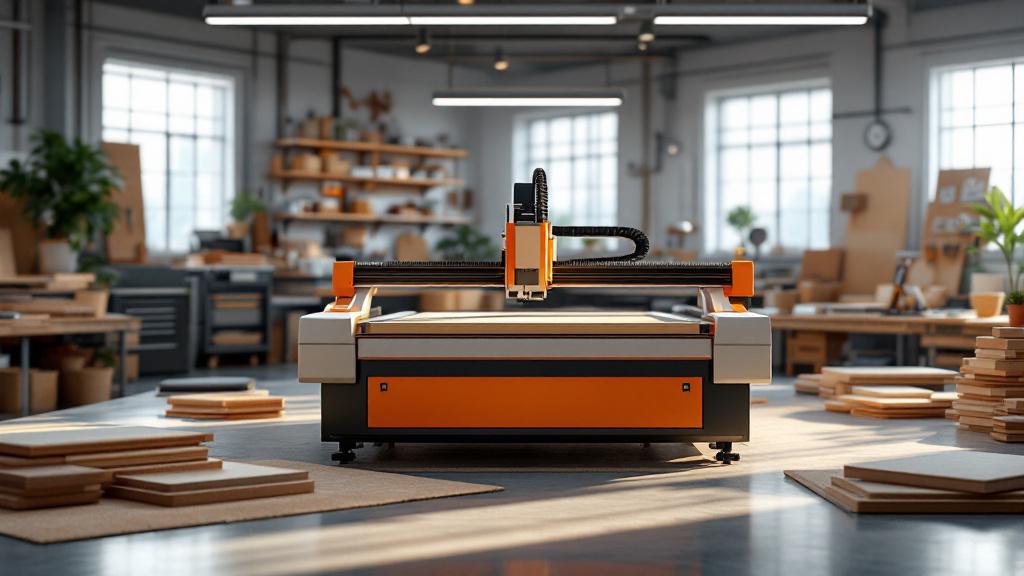
The preparatory stage for 3D milling is an order of magnitude more complex than for 2D cutting. Whereas cutting only needs a flat vector drawing, creating volume requires a full three-dimensional model. This model is created in specialised 3D modelling programs such as 3ds Max, Blender, ZBrush or engineering CAD systems like SolidWorks and Fusion 360. The most common format for transferring such models to production is STL, which describes the surface of the object as a mesh of many triangles.
Once the 3D model is ready, the process engineer’s work in the CAM system begins. His task is to convert the static 3D model into a set of tool movement paths. This process requires deep knowledge and experience. The engineer has to choose a machining strategy. As a rule, 3D milling is carried out in two stages: roughing and finishing. For roughing, a large-diameter cutter is chosen that quickly removes the bulk of the excess material, leaving a small allowance. This reduces the load on the tool during finishing and significantly speeds up the process.
At the finishing stage, a cutter of smaller diameter is used, usually with a rounded end (a ball nose). It passes over the surface with a very small step (step-over), which can be tenths or even hundredths of a millimetre. It is the size of this step that determines the final smoothness of the surface: the smaller the step, the less noticeable the “steps” left by the cutter’s passes, but the longer the machining takes. The engineer has to find a balance between surface quality and machine running time.
Besides choosing a strategy, many other parameters are set: the cutting depth per pass, the working feed, the plunge speed, the safe retract height of the tool and much more. Any error at this stage can lead to a reject, breakage of an expensive cutter or even damage to the machine. Once all the tool paths have been calculated and checked in a simulator, the CAM program generates the control G-code, which can consist of hundreds of thousands or even millions of lines.
An arsenal for volume: cutters for 3D machining
Choosing the tool for 3D milling is just as important as for 2D, but the range of cutters here is completely different. Whereas in cutting the main goal is to obtain a clean vertical edge, in volumetric machining it is to form a smooth curved surface. Cutters of special geometry are used for these tasks.
Here are the main types of cutters that make up the arsenal for 3D machining:
- Ball nose cutters. This is the main tool for finishing 3D milling. As the name suggests, the tip of such a cutter has the shape of a hemisphere. It is this rounded shape that makes it possible to create smooth surfaces without the sharp edges and steps that a flat-end cutter would leave. Moving over the surface with a small step, such a cutter forms a smooth relief that requires minimal subsequent sanding.
- Tapered cutters (engravers). These cutters have a conical shape narrowing to a very fine tip, which can be either flat or rounded. They are indispensable for working out fine details, engraving text, creating delicate patterns and V-shaped grooves. Thanks to their geometry they have high strength at the base and make it possible to achieve high detail on the machined surface.
- Roughing cutters. As already mentioned, 3D machining begins with removing the bulk of the material. For this, powerful large-diameter roughing cutters are used, often with a serrated cutting edge (the so-called “corn” bit). Their task is not to ensure surface quality but to remove excess material as quickly and efficiently as possible, preparing the workpiece for a finishing pass with a more precise tool.
A combination of these tools makes it possible to solve the most complex tasks. For example, to create a carved panel, a roughing cutter first removes the main background, then a tapered cutter cuts the fine contours and details, and finally a ball nose cutter machines the smooth reliefs and transitions. The correct sequence and a well-considered choice of each cutter are the key to a high-quality and economically justified result.
Choosing the material: what can be cut?
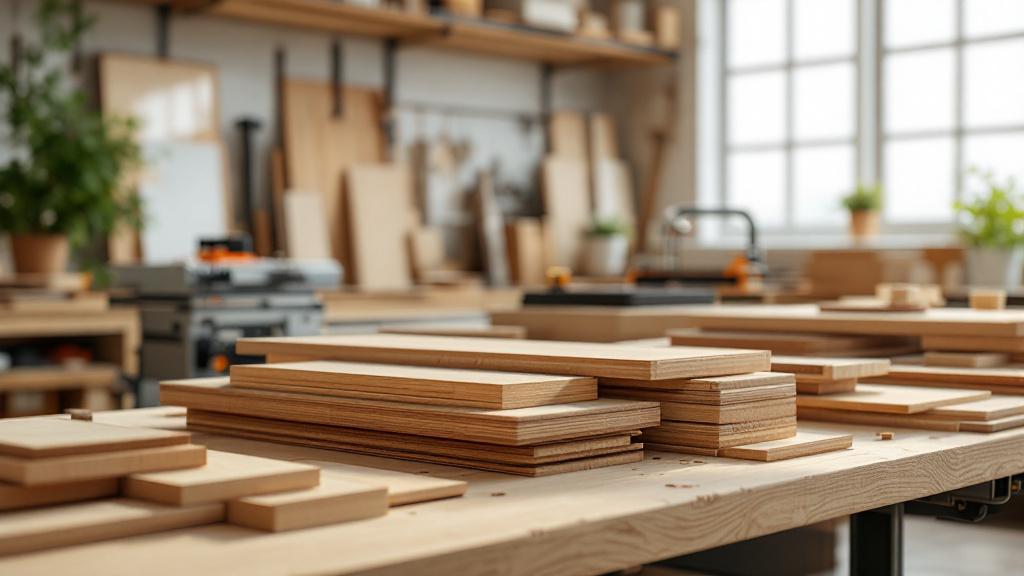
The result of both 2D and 3D machining depends greatly on the properties of the material being machined. Wood and its derivatives behave differently under the cutter, and this has to be taken into account as early as the product design stage. Some materials are ideal for complex relief, while others are better used only for flat cutting.
Solid wood — a noble but temperamental material. The main factor affecting machining is the direction of the grain. Cutting along the grain gives a clean, smooth cut, while cutting across it can lead to fuzzing and chipping. Hardwoods such as oak, ash or beech hold fine detail excellently and make it possible to create very crisp relief. Softwoods, for example pine or alder, are easier to machine but are prone to crushing of the fibres and are not as well suited to fine carving.
MDF — can be called the ideal material for 3D milling. Thanks to its homogeneous structure without grain or knots, MDF machines equally well in any direction. It does not chip, allows very smooth surfaces to be created and is ideal for subsequent painting, as paint lies on it evenly and uniformly. It is MDF that is most often used to make carved furniture fronts, wall panels and decorative elements.
Plywood — an excellent structural material for 2D cutting thanks to its strength and stability. However, for 3D machining it is suitable with reservations. When milling relief, its layered structure (veneer glued perpendicular to each other) is exposed on the surface. Sometimes this effect is used as a decorative device, but more often it spoils the appearance of the product, creating a “topographic map” of layers on curved surfaces.
Composite materials, such as Valchromat (MDF coloured throughout) or HPL panels (high-pressure laminate), are also very machinable. They are dense, homogeneous and stable. However, because of their high density and the resins in their composition, they are more abrasive to the cutting tool. Machining them requires lower cutting speeds and the use of higher-durability cutters, sometimes with a diamond coating, to avoid rapid wear.
2D versus 3D: a practical comparison
To finally clarify the difference and help with choosing a technology, let us compare 2D cutting and 3D milling on key parameters. These are not competing but complementary technologies, each with its own area of application. The choice depends solely on the task at hand.
By type of task:
- 2D cutting: Creating flat parts with a defined contour. Cutting sheet materials to size.
- 3D milling: Creating volumetric products, reliefs and curved surfaces.
By input data:
- 2D cutting: Requires a vector drawing (DXF, DWG, AI). File preparation is relatively simple and quick.
- 3D milling: Requires a full three-dimensional model (STL, STEP). Preparing the control program is complex, requires high qualifications and takes considerable time.
By machining time:
- 2D cutting: Very high speed. Cutting a whole sheet of material can take from a few minutes to half an hour.
- 3D milling: Very low speed. Machining a single product can last from one to dozens of hours.
By cost:
- 2D cutting: Relatively low cost, which mainly depends on the total length of the cut.
- 3D milling: High cost, made up of complex preparation, long machine time, increased tool wear and the need for subsequent manual finishing.
By the tool used:
- 2D cutting: Mainly flat-end end mills are used (straight, compression).
- 3D milling: Cutters of complex geometry (ball nose, tapered) are used to form the relief.
So if you need parts for cabinet furniture, templates or flat decorative elements, your choice is 2D cutting. But if you want a carved front, a unique panel, a sculpture or a master model, there is no getting around 3D milling.
Where it is used: examples from our workshop
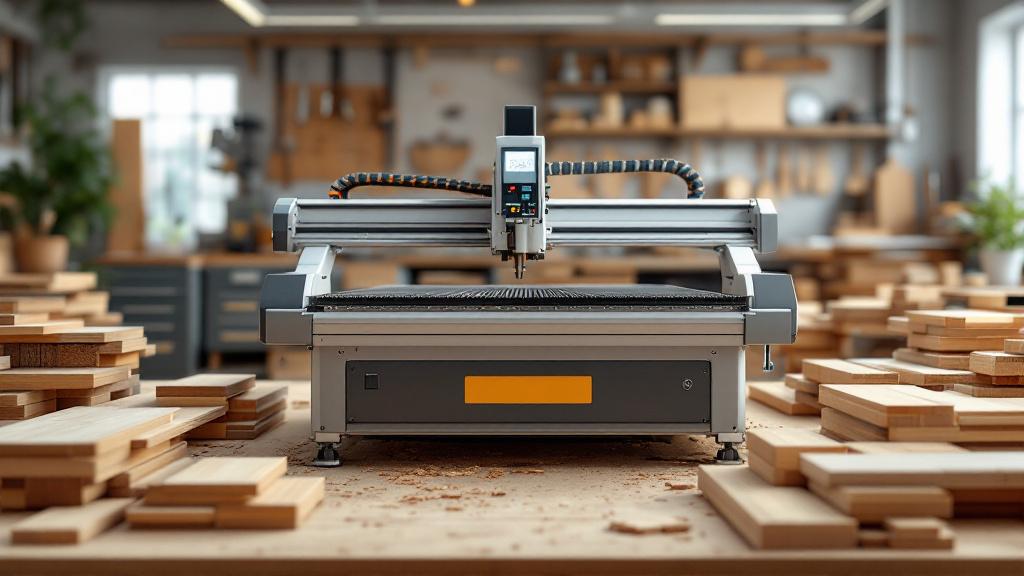
The theory becomes clearer when backed up by real examples. In our work we use both technologies every day to solve a wide range of tasks.
Typical products made by 2D cutting:
- Furniture carcasses: All the parts for cabinets, kitchens, shelving units and chests of drawers are cut from MFC or MDF using exactly this method.
- Worktops and fronts: Simple flat fronts and worktops, including those with complex curved contours, are cut using 2D nesting.
- Openwork partitions and radiator screens: Decorative panels with cut-out patterns are a classic example of complex 2D cutting.
- Bases for upholstered furniture: The frames of sofas and armchairs of complex shape are cut from strong plywood.
- Advertising structures: Dimensional letters (when only the contours are cut), signs, elements of exhibition stands.
Examples of products requiring 3D milling:
- Panelled and carved fronts: Creating a relief “wave” or “dune” pattern or a classic panel on the surface of a front.
- Decorative panels and pictures: Milling complex artistic images and ornaments on solid wood or MDF.
- Furniture legs: Making “cabriole” legs or other complex turned and carved elements.
- Master models and moulds: Creating precise models for casting in silicone, plastic or metal, as well as moulds for forming.
- Exclusive souvenir products: Caskets with complex relief, coats of arms, branded gift items.
This list clearly shows that both technologies are in demand and are often used within a single complex project, where flat parts cut on the 2D nesting machine are combined with unique decorative elements created by 3D milling.
The final touch: quality and post-processing
The work of the CNC machine is only part of the production process. The resulting part, especially after 3D milling, is not yet a finished product. The quality of the final product depends greatly on the subsequent manual finishing.
After 2D cutting, parts usually require minimal finishing. If the correct compression bit was used, the edge comes out clean and does not need sanding. The main task is to remove the part from the machine and, if necessary, apply edge banding tape (in the case of MFC). The precision of the parts is generally very high and matches the drawing.
With 3D milling everything is more complicated. Even with a very small step between the passes of the finishing ball nose cutter, a microrelief remains on the surface, the so-called “step” or “ripple”. Its height may be only a few hundredths of a millimetre, but it is visible to the eye and can be felt to the touch. To achieve a perfectly smooth surface, the part has to be thoroughly sanded. This process is almost always done by hand, especially in hard-to-reach areas of the relief.
Sanding after 3D machining is painstaking and responsible work that requires care and experience. It is important to remove the marks left by the cutter but without “rounding off” the sharp edges or spoiling the fine detail of the relief. It is the quality of this finishing work that largely determines the appearance and cost of the final product. After sanding, the part is ready for the finishing coat: priming, painting, lacquering or oil tinting.
Conclusion
2D and 3D cutting technologies on CNC machines have opened new horizons for woodworking. 2D cutting has become the industry standard for producing precise, high-quality flat parts, providing high speed and efficiency. 3D milling, in turn, has made it possible to automate the work of the wood carver, making the creation of complex volumetric forms and unique artistic products accessible.
These are not interchangeable but complementary tools in the arsenal of modern production. Understanding their capabilities and limitations makes it possible to approach product design and technology selection correctly. 2D cutting is the language of geometry and efficiency, ideal for structural tasks. 3D milling is the language of plasticity and volume, created for decor and art. A skilful combination of these two approaches allows our company to carry out projects of any complexity, from serial cabinet furniture to exclusive interior items.